You watched the Reel, the caption said comment a word to get the link, you commented it, and nothing showed up. So you commented again. Still nothing.
Nine times out of ten the DM was sent. Instagram just put it somewhere you have probably never opened.
The short answer: check your Requests folder
Instagram does not deliver messages from accounts you do not follow to your normal inbox. It routes them to a separate tab called Requests, and it does not send you a notification when one arrives.
If you commented on a creator's post without following them first, that is almost certainly what happened.
To find it:
- Open Instagram and tap the paper plane icon in the top right of the home screen.
- Your inbox has three tabs across the top: Primary, General and Requests.
- Tap Requests.
The DM is usually sitting there. Sometimes with several others you never knew about.
If it is not in Requests either, check Hidden Requests
There is a second folder underneath the first one.
Instagram runs incoming message requests through automated filters, and anything those filters flag gets moved out of the main Requests tab into a sub folder called Hidden Requests. You will find it at the bottom of the Requests screen.
Automated DMs sometimes land here, particularly ones containing links, which is exactly what a reward or lead magnet DM contains. Worth a look before you assume the message was never sent.
Why Instagram does this
This is not a bug, and the creator did not do anything wrong.
Instagram treats a message from someone you do not follow as unsolicited by default. That is a reasonable default. It is what stops your inbox filling with spam from strangers. The side effect is that a DM you actively asked for gets treated identically to one you did not.
Instagram has no way to know you wanted this particular message. From its perspective, an account you have never interacted with just sent you a link.
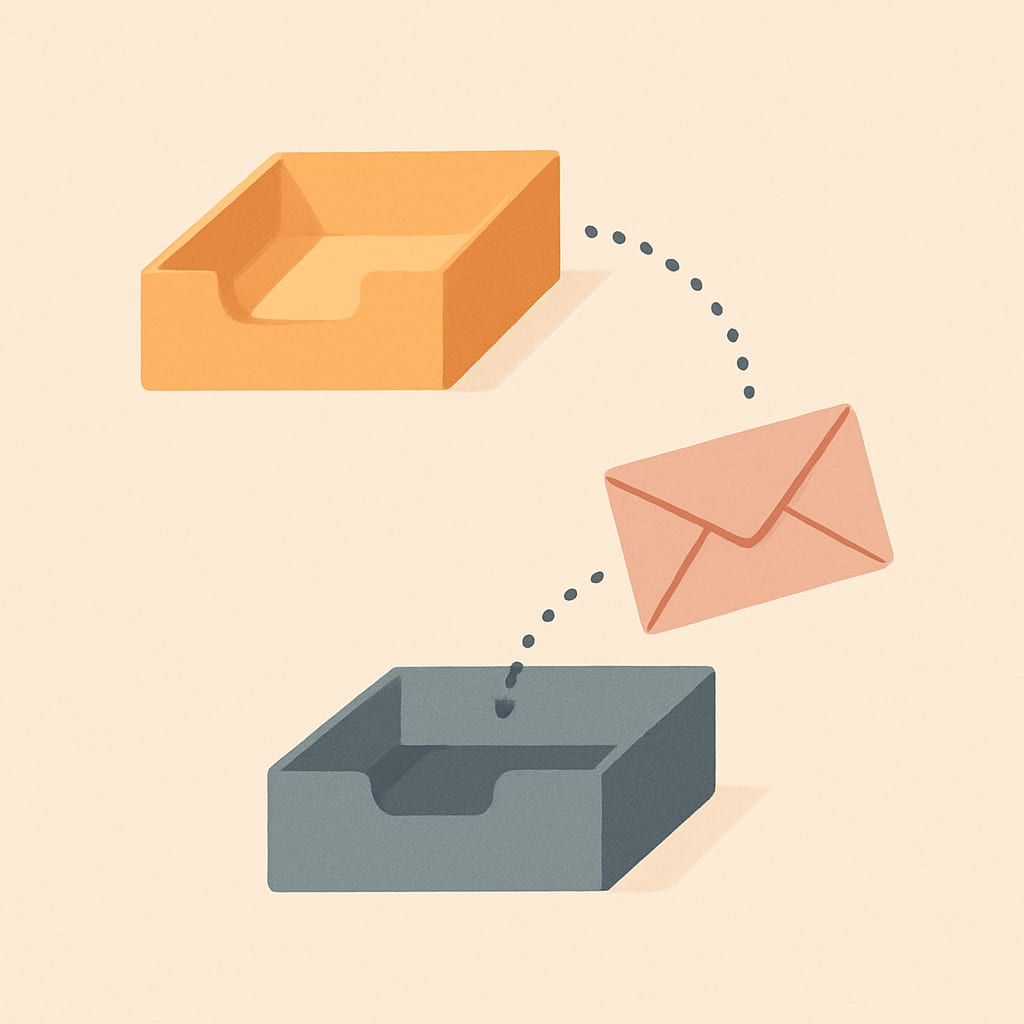
One useful detail: messages sitting in Requests do not mark as read until you accept them. So the creator cannot tell the difference between "never saw it" and "saw it and ignored it". If you have been wondering whether they know, they do not.
The other reasons it might not have arrived
If you have checked both folders and there is genuinely nothing, one of these usually explains it.
You are not the first comment on that thread
Meta allows an automation to send exactly one automated private reply per comment, ever. Not one per person, one per comment. If your comment was already replied to and you did not receive it, commenting again on the same post frequently does nothing, because the tool has already used its reply for that thread.
The post is more than seven days old
Meta only allows a private reply to a comment up to seven days after the comment was made. Older comments cannot be replied to automatically at all. If you found the post through search or someone's saved collection weeks after it went up, the window has closed. This catches a lot of people on evergreen Reels.
The keyword did not match
Most tools match on an exact word. Commenting "link please" when the caption asked for "LINK" can miss, depending on how the creator configured it. So can a typo, an emoji stuck to the word, or an autocorrect. Creators who write keyword CTAs that convert usually allow for this, but not all of them do.
The campaign ended
Comment-to-DM campaigns are usually set to run for a fixed window. If the post is old, the automation behind it may simply be switched off, even though the caption still says to comment.
Something broke on the creator's side
Expired access tokens, a message permission toggled off, or an account switched from Business back to Personal will all silently stop DMs going out while the post keeps collecting comments. The creator often does not know. We wrote up the eight real causes of comment-to-DM not working from the creator's side, and most of them are invisible unless you go looking.
What to do about it
In order of how well they work:
Follow the account, then comment again on a newer post. If you already follow an account when it messages you, Instagram delivers the DM to your normal inbox with a notification. This is the fix, and it is the only one that prevents the problem rather than working around it.
Send the creator a direct message. One DM from you permanently moves you out of the Requests folder for that account, and it opens a window during which they can reply properly. Most creators would rather you did this than assume they ignored you.
Move the message to Primary once you find it. Accepting the request means the next one arrives normally.
Check whether the link is in the caption or their bio. Plenty of creators put it in both places as a backup.
If you are the creator reading this
This is the leak in your funnel that does not show up in any dashboard. Your tool reports the DM as delivered. It was delivered. To a folder your audience does not open.
Three things reduce it.
Add a follow gate. Requiring a follow before the reward is delivered is usually framed as a growth tactic, but the delivery benefit is just as real: a follower gets the DM in their actual inbox. That is what a follow gate is quietly doing for your open rate.
Say it in the public reply. Instead of a bare "Sent", write something like "Just DM'd you. If you don't see it, check your message requests." That one sentence recovers a meaningful share of people, and everyone reading the comments sees it too.
Watch your delivery to open ratio. If DMs are going out and nothing is getting clicked, this is the first thing to rule out, ahead of your copy. The comment-to-DM automation guide covers how the delivery path actually works, and why auto DMs end up in spam covers the cases where the message really is being filtered rather than misfiled.
FAQ
Why didn't I get the DM after commenting on an Instagram post? In most cases the DM was sent and Instagram filed it in your Requests folder instead of your inbox, with no notification. Instagram routes messages from accounts you do not follow into Requests by default. Open Instagram, tap the paper plane icon, then tap Requests.
Where is the Instagram message requests folder? Tap the paper plane icon in the top right of your Instagram home screen. Your inbox has Primary, General and Requests tabs. Tap Requests. If it is still not there, look inside Hidden Requests at the bottom of that screen, where Instagram files messages its filters flagged.
Will the creator know I never opened their DM? No. Messages sitting in your Requests folder do not send read receipts until you accept the request and move the conversation to your main inbox. From the creator's side the DM shows as delivered, so they have no way to tell that you never saw it.
Can I get the automated DM resent if I comment again? Usually not. Meta allows a tool to send only one automated private reply per comment, ever, so commenting the same keyword again on the same post normally does nothing. Sending the creator a direct message instead is more reliable, and it moves you out of the Requests folder permanently.
Does following the account first make the DM arrive properly? Yes, in most cases. If you already follow the account when you comment, Instagram delivers the DM to your normal inbox with a notification rather than filing it in Requests. Following first is the single most reliable way to make sure you actually see it.
UnlockDM sends comment-to-DM rewards through Meta's official Instagram API, and its follow gate exists partly for this reason: a follower receives the DM in their real inbox rather than a folder nobody checks.