Instagram Collab posts have been around since 2021: one post, published jointly by two or more accounts, showing up in both feeds at once. Most creators use them for straightforward cross-promotion. Few use them for giveaways, which is a miss, because the mechanic underneath a Collab post fits a comment-to-DM giveaway almost exactly.
Here's what actually happens technically when a post is co-published, and how to run a single giveaway campaign that reaches every collaborating account's audience without building anything twice.
What a Collab Post Actually Is
A Collab post lets one account invite up to five others to co-publish a single feed post or Reel, meaning one piece of content can appear live across as many as six profiles at once. The inviting account uploads the post, taps Invite Collaborator, and the post stays hidden until every invited account accepts. Once accepted, it publishes simultaneously everywhere.
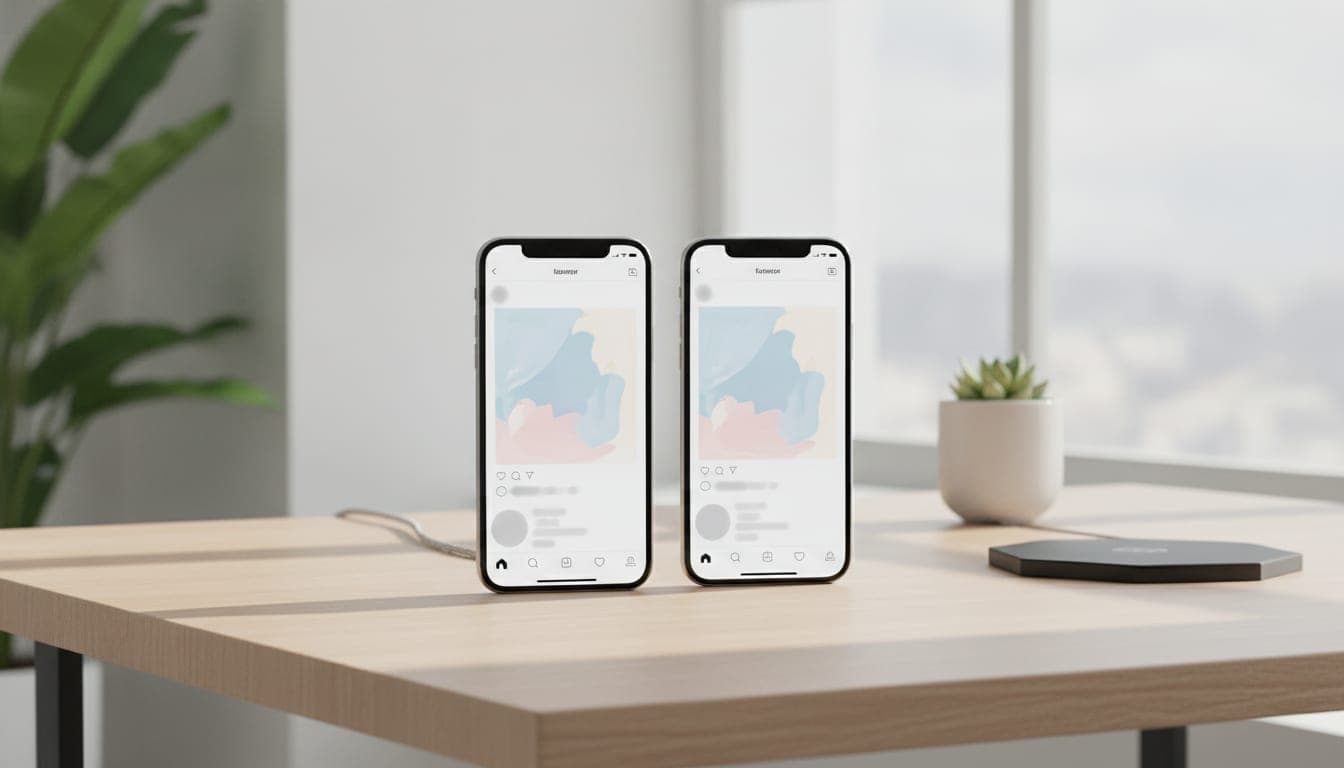
The important part isn't the reach multiplier, it's what "co-published" means underneath. This isn't six separate copies of the same photo posted six times. It's one media object that every collaborating profile displays. Likes, comments, shares, saves, and view counts are pooled and shown identically on every profile it appears on, because there's genuinely only one set of numbers to show.
One Post Means One Comment Thread
This is the detail that makes a Collab post useful for a giveaway specifically: the comment thread is shared, not duplicated.
Someone browsing the original poster's profile sees the post and comments. Someone else, following only a collaborator two accounts over, sees the exact same post surfaced in their own feed and comments too. Both comments land in the same thread, on the same underlying post. There's no separate copy of the content sitting on the collaborator's profile with its own independent comment section.
That matters because a comment-to-DM campaign is built around watching one post's comments for a keyword. On a normal post, that means watching one account's audience. On a Collab post, the post being watched is the same single object regardless of how many profiles it's live on, so the campaign automatically sees keyword comments from everyone who found it through any collaborating profile.

Why This Beats Running Two Separate Giveaways
The alternative most creators default to is posting the same giveaway separately on each account and manually tracking entries across both. That doubles the setup work and splits the comment volume across two independent threads, which makes a leaderboard or winner pick genuinely harder to run fairly since entries live in two different places.
A Collab giveaway avoids all of that by construction. One post, one keyword, one comment thread, one campaign watching it. Whoever enters through either account's audience shows up in the same entry pool, with the same follow gate and the same reward delivery, because as far as the platform and the automation tool are concerned, there's only one post to watch.
| Two separate posts | One Collab post | |
|---|---|---|
| Comment threads | Two, independent | One, shared |
| Campaign setup | Two campaigns | One campaign |
| Entry tracking | Split across accounts | Single pool |
| Reach | Each account's audience only | Every collaborating account's audience |
| Winner pick | Manual reconciliation needed | One leaderboard |
Setting It Up Correctly
Connect the account that owns the post. Instagram gives one account real ownership of a Collab post: only the original poster can delete it or run ads on it. That ownership signal is exactly which account should be connected to a comment-to-DM tool. Connecting a collaborator's account instead doesn't work the same way, since the post technically isn't theirs to manage.
Pick a partner with an overlapping but distinct audience. The entire value of a Collab giveaway is reaching people who don't already follow you. Two accounts with nearly identical audiences gain little from combining reach. A creator and a complementary brand, or two creators in adjacent niches, get the real benefit: each side's followers are mostly new to the other.
Keep the reward and rules identical for both audiences. Since everyone lands in one shared thread, there's no way to give one collaborator's followers a different reward than the other's, and there shouldn't be a reason to. Set one prize, one keyword, one set of eligibility rules that both accounts publish identically in their own captions, since Meta's promotion guidelines apply per participating account even though the post itself is shared.
Let the referral loop do the rest. Once someone enters through either account, a personal referral link works exactly the same as it would on a solo post. The referral mechanic doesn't care which of the six profiles someone originally saw the post through, it only cares that they entered and can now bring friends for a bonus.
Where This Doesn't Fit
A Collab giveaway needs genuine buy-in from a partner willing to co-publish, which is a bigger ask than posting solo. It also means giving up some control: since the post is jointly owned, only the original poster can pull it down or boost it with ad spend, so pick a collaborator you trust to keep the content up for the full campaign window.
It's also not the right move if the goal is building your own account's following specifically. A Collab post grows both accounts roughly in proportion to how the pooled engagement splits, which is the point for a genuine partnership, but dilutes the effect if the real goal was concentrating growth on one account alone.
What to Do Next
If you already run giveaways solo, a Collab post with the right partner is a way to reach a second audience without doubling the campaign work. The mechanic doesn't change, comment a keyword, follow to unlock, refer a friend for a bonus, it just runs against a bigger, pooled audience because the underlying post and its comment thread are shared rather than duplicated.
FAQ
What is an Instagram Collab post?
A Collab post is a single feed post or Reel co-published by up to six accounts at once, the original poster plus as many as five invited collaborators. Once a collaborator accepts the invite, the post appears simultaneously on every collaborating profile, and likes, comments, shares, saves, and views are pooled and shown identically on all of them.
Does a Collab post have one comment thread or separate ones per profile?
One. A Collab post is a single underlying piece of content, not a copy posted on each profile. Every collaborating profile displays the exact same comment thread, so someone who finds the post through any collaborator's profile is commenting in the same place as everyone else.
Can I run a comment-to-DM giveaway on a Collab post?
Yes, and it needs no extra setup beyond a normal comment-to-DM campaign. Because the comment thread is shared, a single campaign scoped to that one post catches keyword comments from every collaborating profile's audience, not just the account that connected the tool.
Which account should run the giveaway tool on a Collab post?
The account that originally created the post, since Instagram only lets the original poster delete the post or run ads on it, which signals that's where true ownership sits. Connect that account to the campaign tool rather than a collaborator's account.
UnlockDM connects to whichever account owns the post being watched, and since a Collab post's comment thread is shared rather than duplicated, one campaign setup already covers every collaborating profile's audience without any extra configuration.