A potential client watches your Reel, comments "how do I book," and waits. If you reply in five minutes, you have a strong chance of booking them. If you reply in thirty, most of that intent is gone.
Speed is the entire game. Industry data on lead response consistently shows that replying within five minutes converts far better than replying half an hour later. For a service business, instant versus same-day is the gap between a booked calendar and a quiet one.
Automation closes that gap to seconds. Here is how to turn Instagram comments into booked appointments without living on your phone.
AI booking agent for Instagram DMs (what people actually mean)
Searchers who type "AI booking agent for Instagram DMs" or "AI assistant for booking on Instagram" usually want one outcome: someone shows interest, and a calendar link lands in their inbox automatically.
That rarely needs a multi-turn AI agent negotiating times in chat. For most coaches, salons, clinics, and agents, the reliable stack is:
- Keyword or Story reply as the interest signal
- Instant automated DM with the booking link
- Your existing scheduler (Calendly, Cal.com) as the "agent" holding the appointment
Conversational AI agents do exist, aimed at sales and support teams parsing free-text DMs. They cost more and add failure modes. Start with comment-to-DM delivery, and graduate only if people routinely ask complex qualifying questions before booking.
How Comment-to-DM Booking Works
You pick a trigger word, and the automation sends a DM the instant someone comments it:
- You post a Reel and say "comment BOOK and I will send you my calendar."
- Someone comments BOOK.
- Within seconds, they get a DM containing your booking link.
- They tap it, pick a time, and the appointment is set.
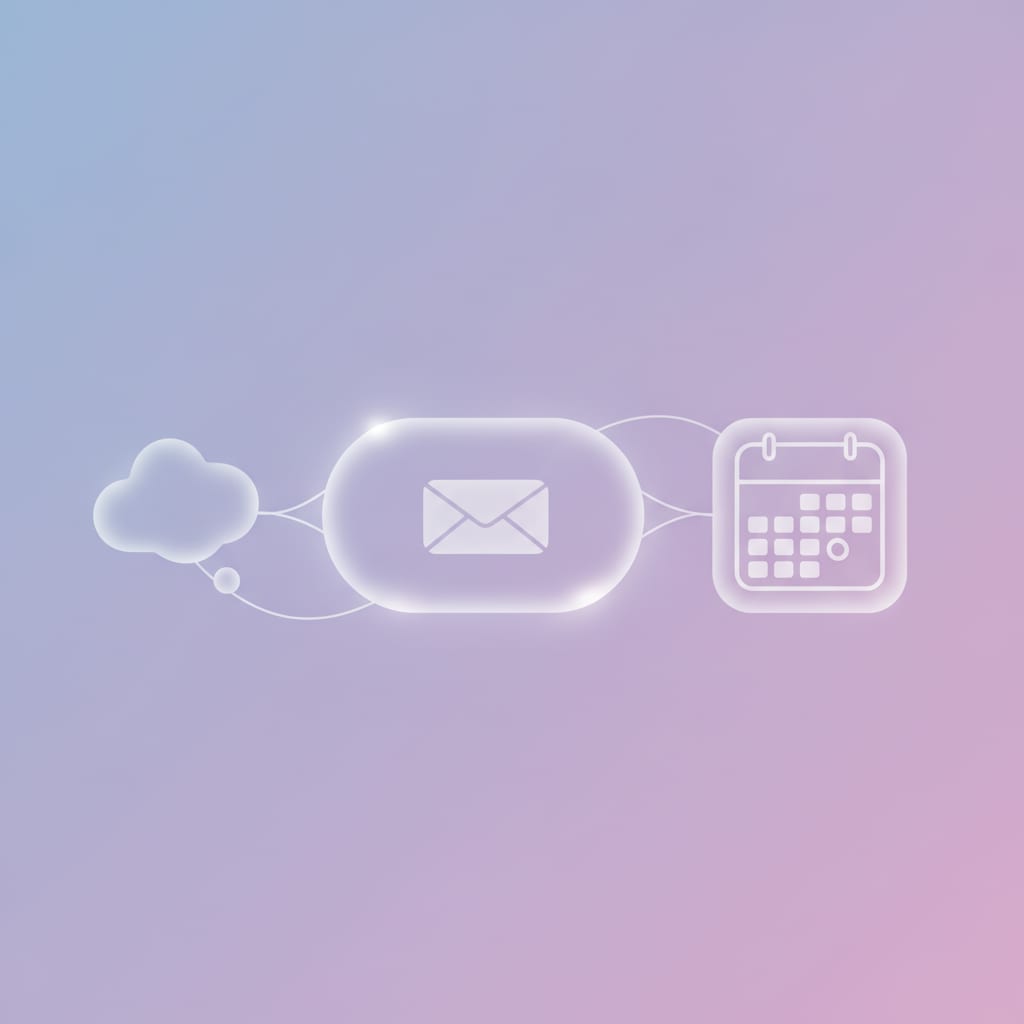
Nobody waits on you, and you never have to watch your comments. The comment-to-DM automation guide covers the mechanic in full. For booking, the point is speed: the link arrives while the person is still interested.
Why Speed Is the Whole Game
Interest on Instagram is short-lived. Someone is in your comments because something you posted resonated right now. Ten minutes later they are three Reels deep into someone else's content.
A manual reply, even a fast one, usually arrives after that window closes. An automated DM arrives inside it. That is the real reason booking automation works: not the effort it saves you, but the intent it catches while it is still warm.
It is also why a booking link beats "DM me to book." Every extra step loses people. The calendar link removes the back and forth and takes them straight to picking a time.
What You Need to Set It Up
You need three things, and none of them takes long.
A booking page. Calendly, Cal.com, Acuity, or any scheduling tool that gives you a shareable link. This is where the actual appointment gets made.
A trigger keyword. One short, obvious word like BOOK or CALL. Use a keyword CTA that is easy to read and type, and put it both in your caption and on the Reel itself.
The automation layer. Instagram has no direct Calendly integration, so a comment-to-DM tool sits in between, watching for your keyword and sending the link. Setup is one flow: keyword in, DM out.
That is the whole stack. You are not building a chatbot. You are delivering one link, fast, to people who asked for it.
Booking Flows by Business Type
The same mechanic adapts to most appointment-based businesses. Only the keyword and the link change.
| Business | Keyword | What the DM sends |
|---|---|---|
| Coach or consultant | CALL | Free discovery-call booking link |
| Salon or barber | BOOK | Service menu plus booking page |
| Clinic or therapist | APPOINTMENT | Intake page and available slots |
| Real estate agent | VIEWING | Calendar to book a property viewing |
| Photographer | SHOOT | Package details and a booking link |
Real estate and coaching fit best, since both run on consultations that start with one warm conversation. See the guides on DM automation for real estate and for coaches.
Keep It Compliant
One rule covers it: use a tool that runs on Instagram's official API and replies only to people who commented or messaged you. One automated reply to a commenter is a supported, policy-safe use of the platform. Mass-messaging people who never engaged is not.
Common Mistakes That Lose Bookings
A booking automation is simple, which means the mistakes are simple too.
Replying by hand. Even a fast manual reply misses the warm window. If booking matters, automate the first touch so it lands in seconds every time.
Asking for too much in the DM. Screening questions before the link feel efficient and cost you bookings. Send the link first and let your scheduling page collect details when they pick a slot.
A vague keyword. Words that appear in normal comments cause misfires. Pick one clear word and say it out loud in the Reel.
Sending people to a bio link. "Link in bio" adds a step and a chance to get distracted. A direct booking link takes them straight to the calendar.
No reminder after booking. A booked slot is not a kept slot. Turn on your scheduling tool's reminder to cut no-shows.
What an Instagram Booking Assistant Cannot Do
Most pages selling "Instagram booking assistants" are vague about where the automation stops. It is worth being precise.
A comment-to-DM flow delivers a link. It does not read your calendar, so it cannot say your Tuesday is full before someone taps through. It cannot reschedule or cancel, take a deposit, or chase a no-show. It also cannot answer "how much is a balayage on colour-treated hair" before the booking, which is the one case where a conversational agent earns its cost.
All of that is handled by your scheduler or by you. The automation's job is narrow: close the gap between interest and calendar to a few seconds. Judged on that it is very good. Judged as a receptionist it will disappoint you.
If your bottleneck is qualifying questions rather than response speed, read AI agent vs keyword automation before paying for a conversational tool.
What to Do Next
Pick one service you want more bookings for. Choose a keyword, set your booking link, write a short DM that sends it, then post a Reel telling people exactly what to comment.
Keep the first version simple: one keyword, one link, one clear call to action. Once comments start turning into booked slots, add a follow gate or run the same flow on every new post.
The goal is not a clever funnel. It is making sure the next person who comments "how do I book" gets your calendar in seconds rather than whenever you next check your phone.
FAQ
What is an AI booking agent for Instagram DMs?
Most creators do not need a conversational AI agent. An Instagram booking agent is a comment-to-DM flow: someone comments BOOK, gets an instant DM with your booking link, and schedules themselves. Multi-turn AI agents exist for sales teams, but keyword delivery covers most appointment businesses.
How do I automate appointment booking through Instagram DMs?
Set a keyword like BOOK on a Reel and connect a comment-to-DM tool that sends your booking link the moment someone comments it. They tap the link, pick a time, and the appointment is set. Setup takes under ten minutes.
Can I connect Calendly directly to Instagram DMs?
Not directly. Instagram has no native Calendly integration, so an automation layer sits in between. A comment-to-DM tool detects the keyword and sends your Calendly or Cal.com link automatically. Scheduling still happens on your booking page, but the link arrives instantly.
What keyword should I use for an Instagram booking automation?
Use a short, obvious word tied to the action, like BOOK, CALL, or APPOINTMENT. Avoid words that appear in normal comments, and state the keyword in your caption and on the Reel so people know exactly what to type.
Is Instagram DM booking automation against Meta's rules?
No, when it runs on Instagram's official API. Sending one automated reply to someone who commented your keyword is a supported use of the platform. The risk comes from unofficial tools or sending unsolicited messages. A compliant comment-to-DM tool that replies only to commenters stays within Meta's policies.
Which businesses should use Instagram DM booking automation?
Any appointment-based business that gets discovered on Instagram: coaches, consultants, salons, clinics, real estate agents, photographers, and trainers. If a chunk of your leads start as a comment or a DM asking how to book, automating the booking-link handoff captures them before the interest cools.
UnlockDM sends your booking link by comment-to-DM the second someone comments your keyword, so the lead reaches your calendar while the interest is still warm. Add a follow gate and each booking also grows your audience.